This article is for:
This article will guide you through the process of generating a Timely Pay Balance Summary report.
The TimelyPay balance summary is only available in Australia.
Step-by-step instructions
1 Navigate to Setup.
2 Click on Timely Pay.
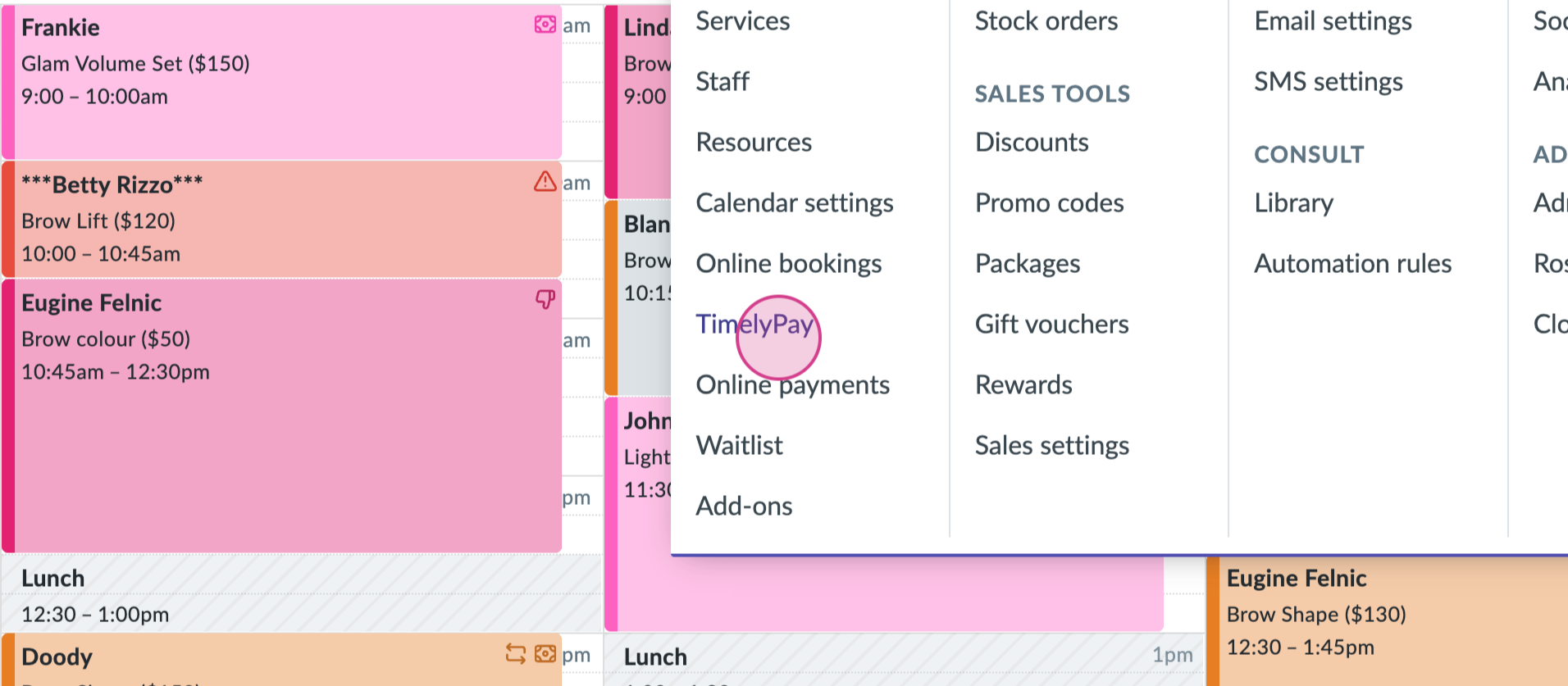
3 You're now on your Timely Pay Settings page. Scroll down to Timely Pay Balance Summary.
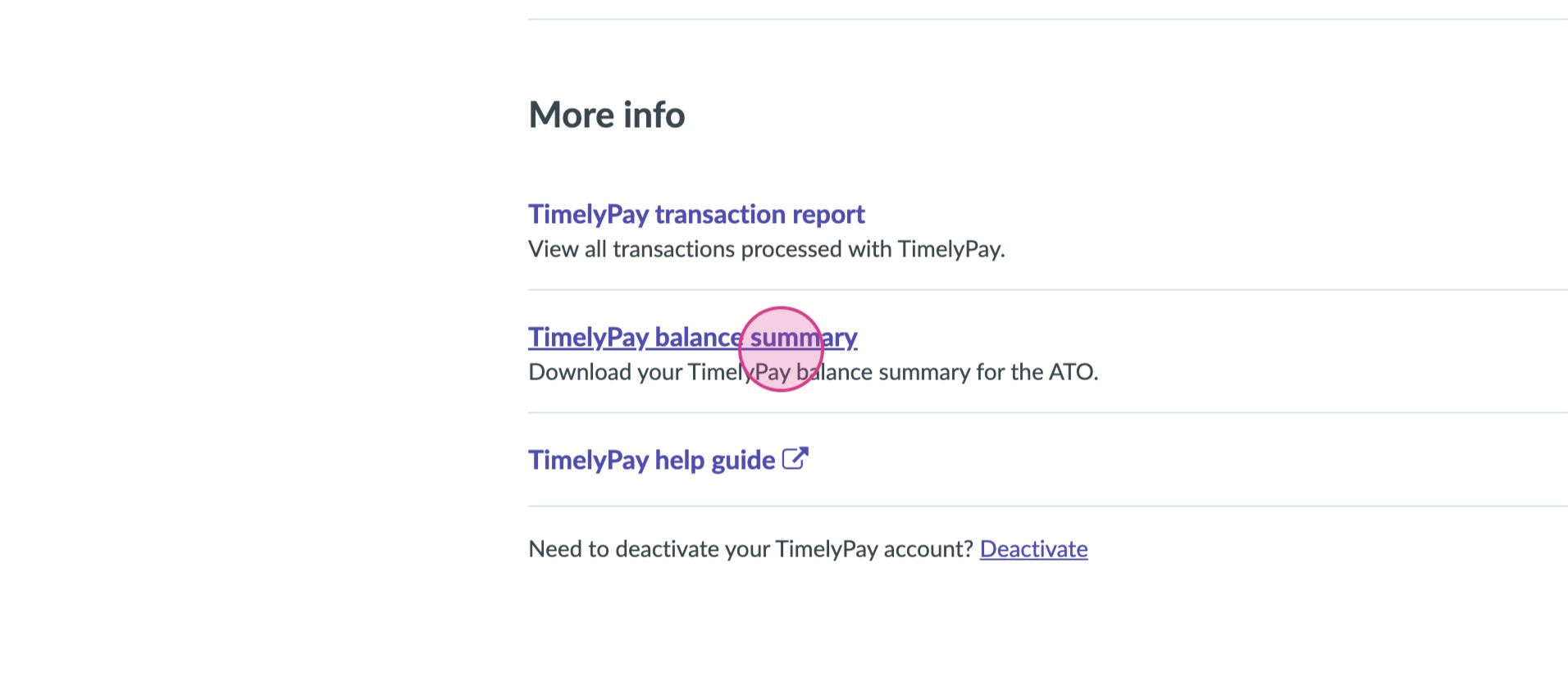
4 Click on the link provided. This action directs you to a new page.
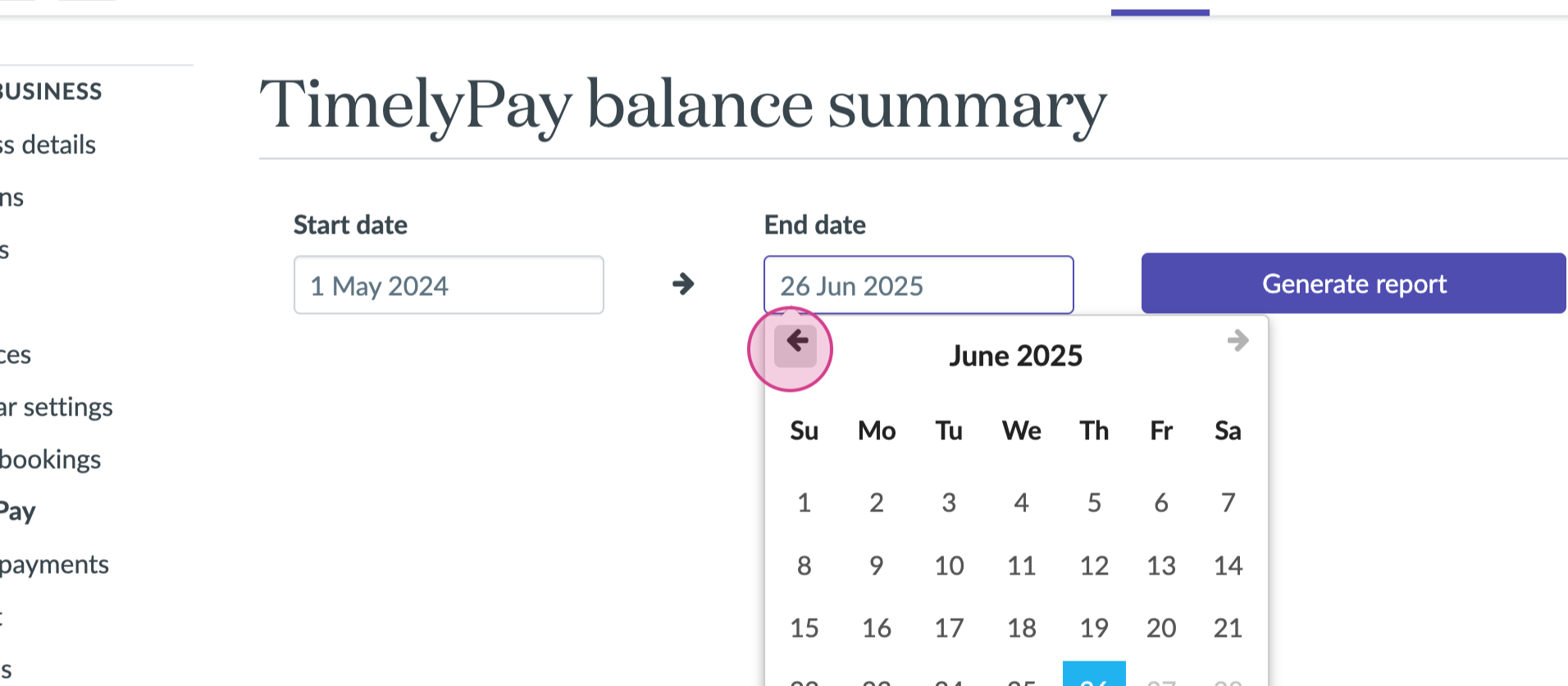
5 Choose the start date and the end date for the balance summary you want to generate.
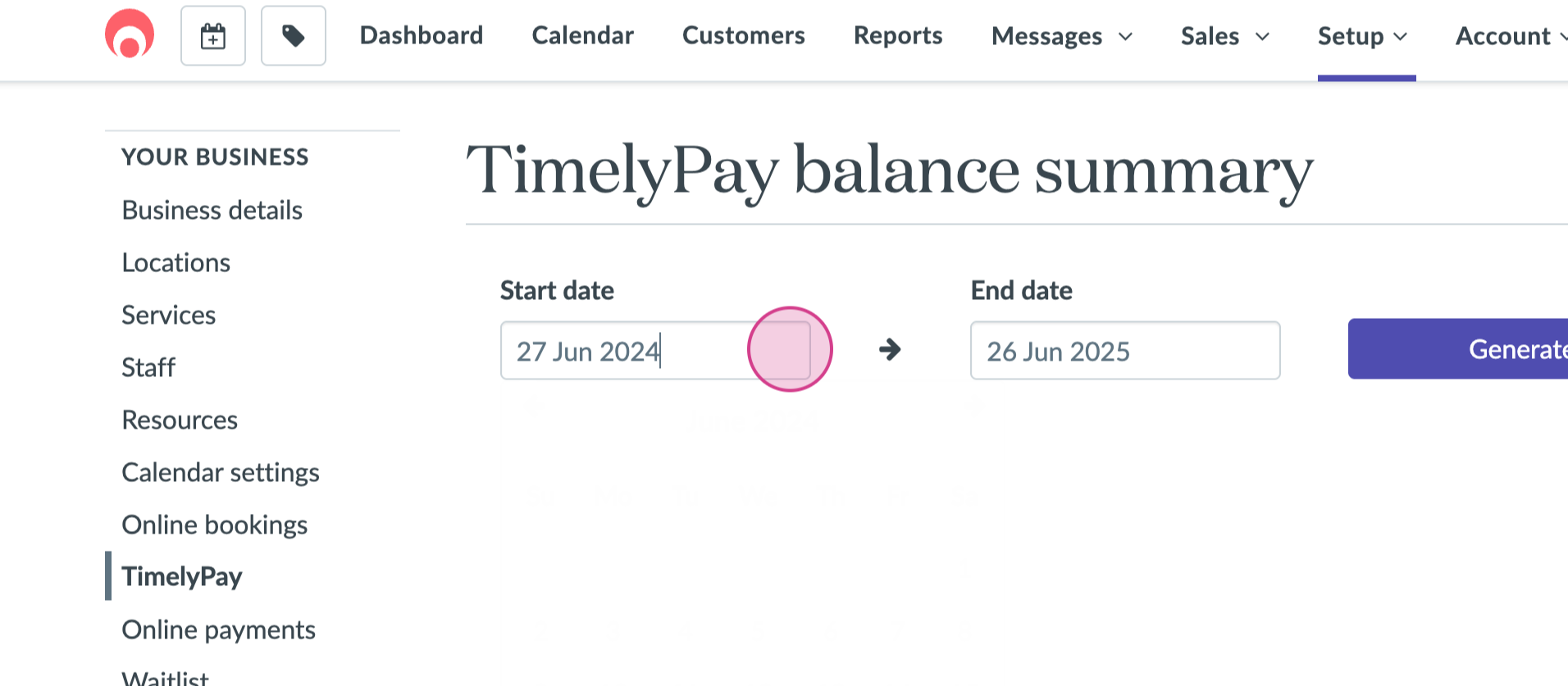
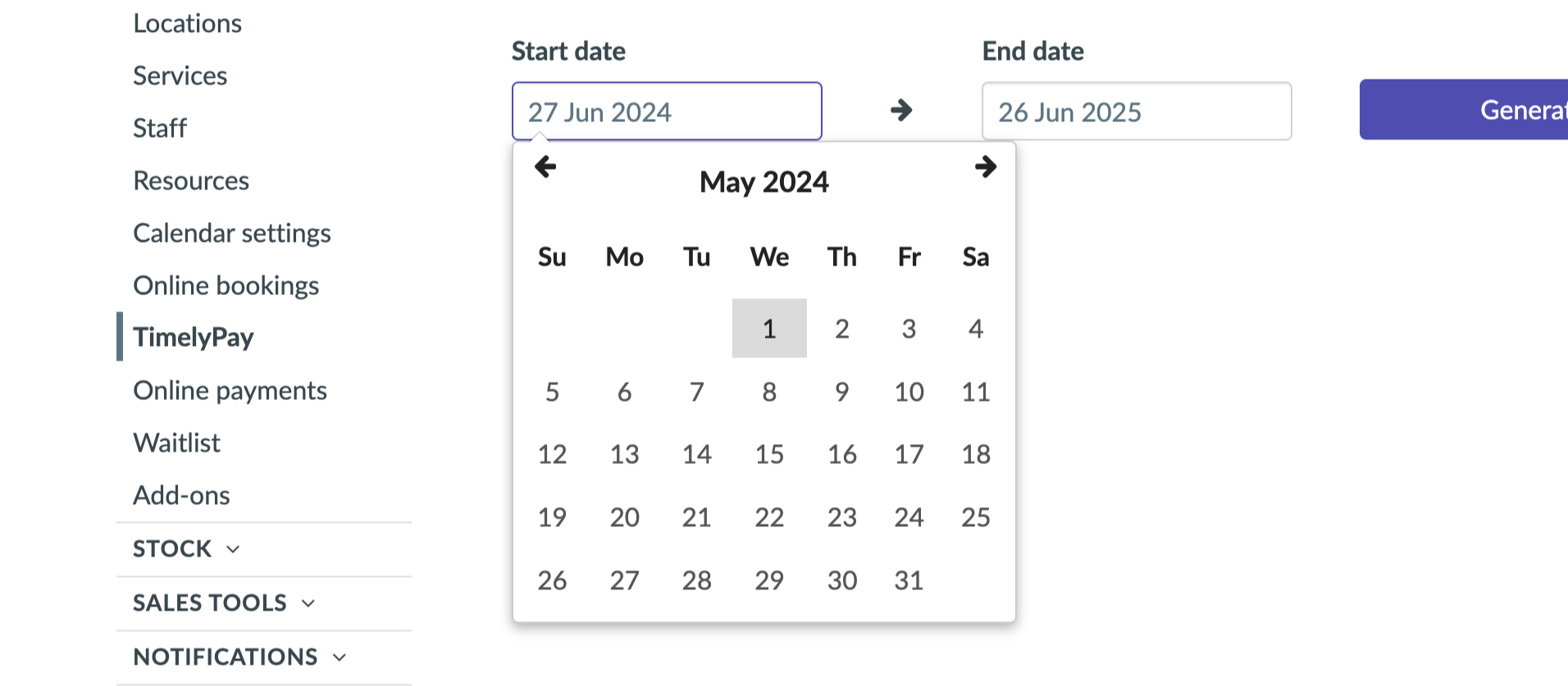
6 Click Generate Report.
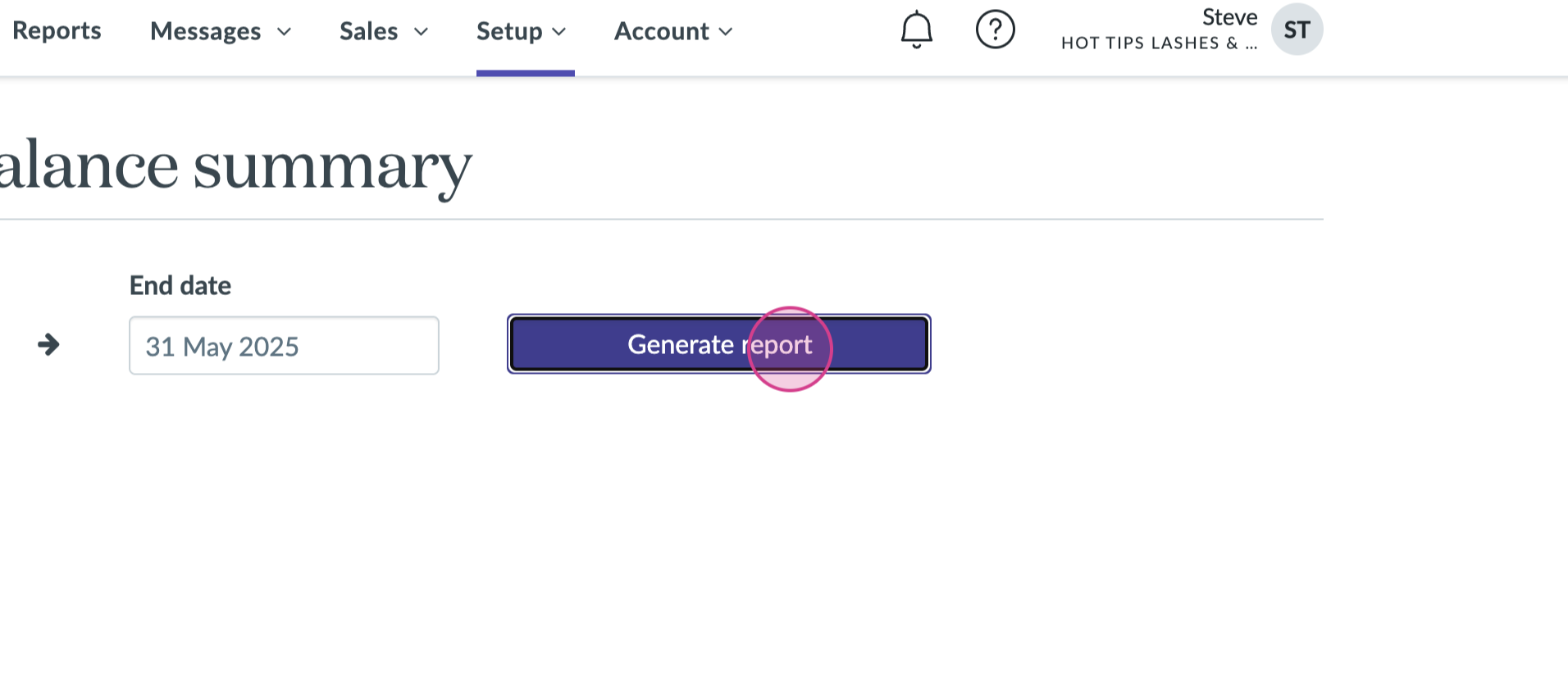
7 The system will prompt a file download. The file automatically saves to your files. Once the download completes, you're done.