This article is for:
In this article, you'll learn how to view and manage messages you send to your clients.
Step by step instructions
1Navigate to Messages within Timely.
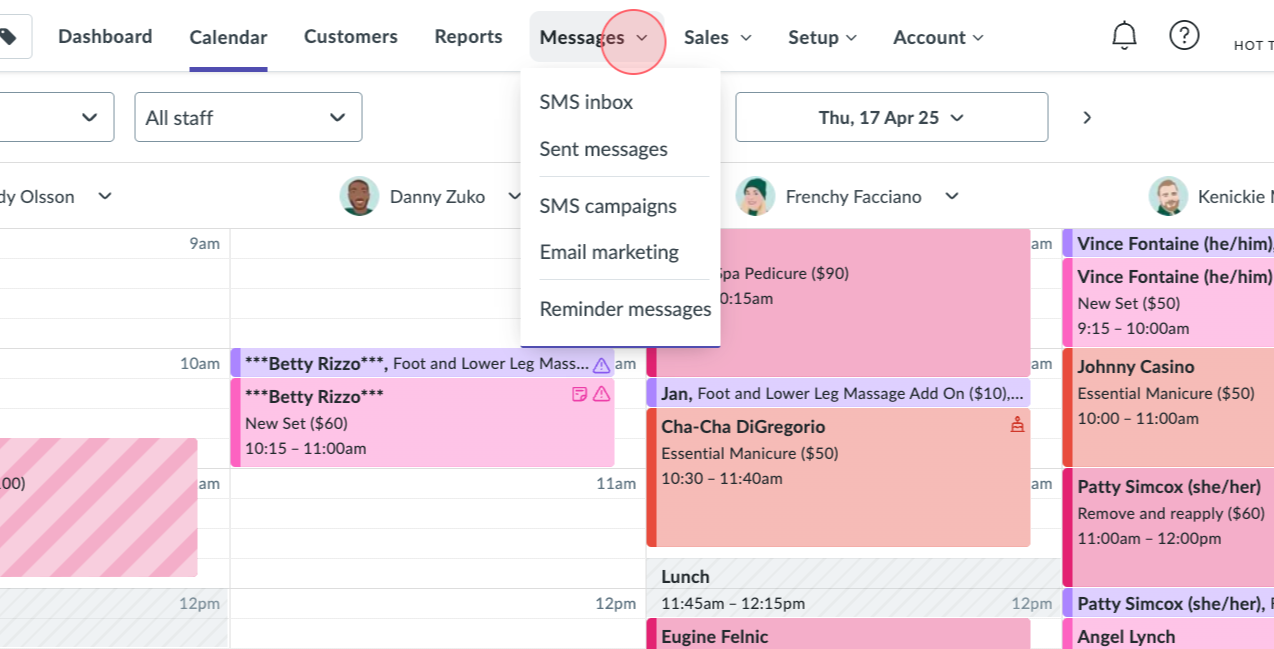
2Click on Sent Messages from the Sent Messages inbox.
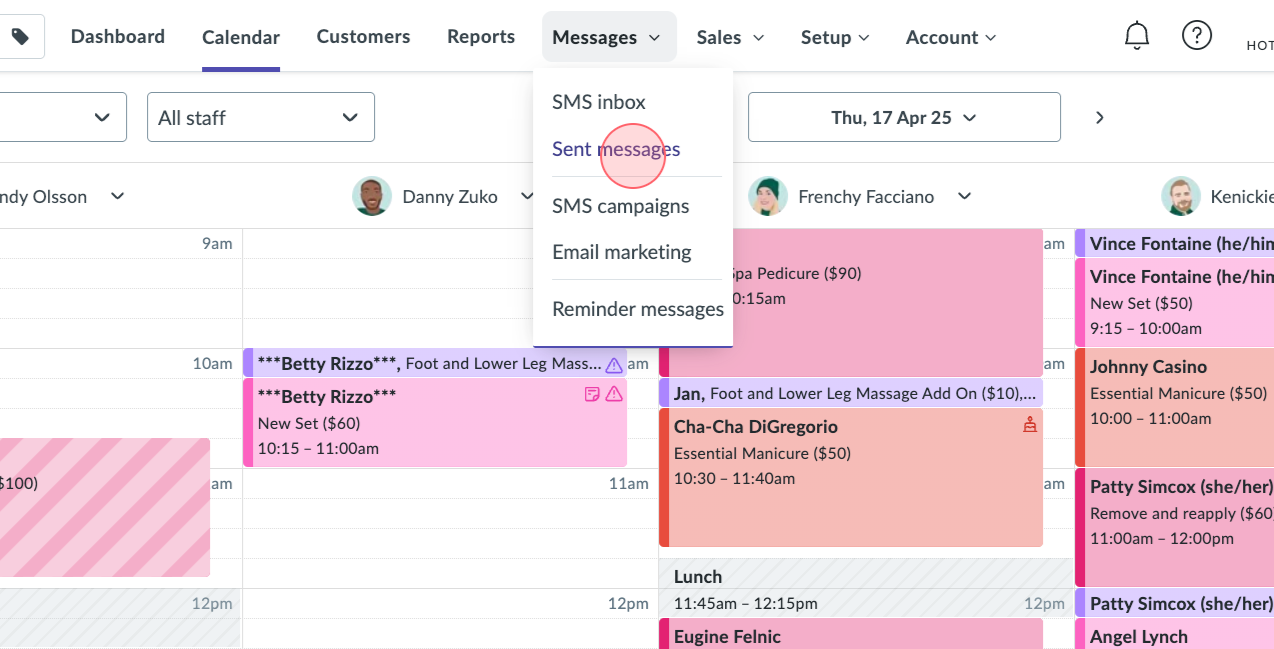
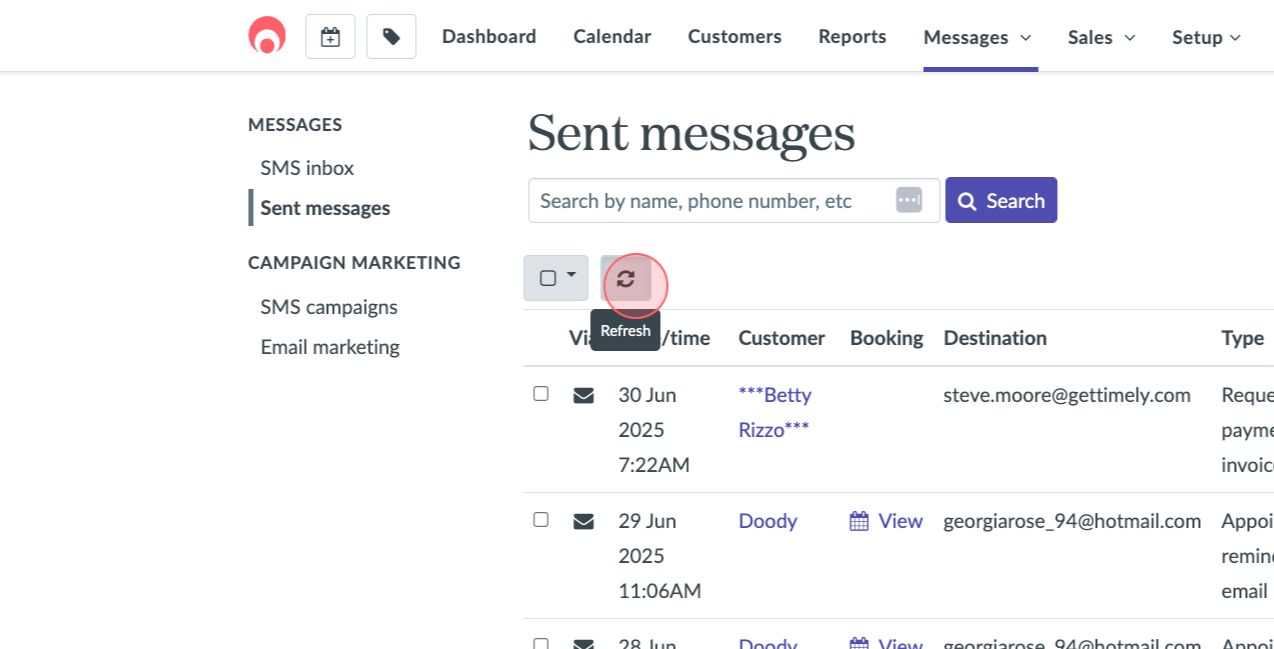
3On the Sent Messages page, observe the date and time a message was sent, the recipient, and any related booking or appointment information.
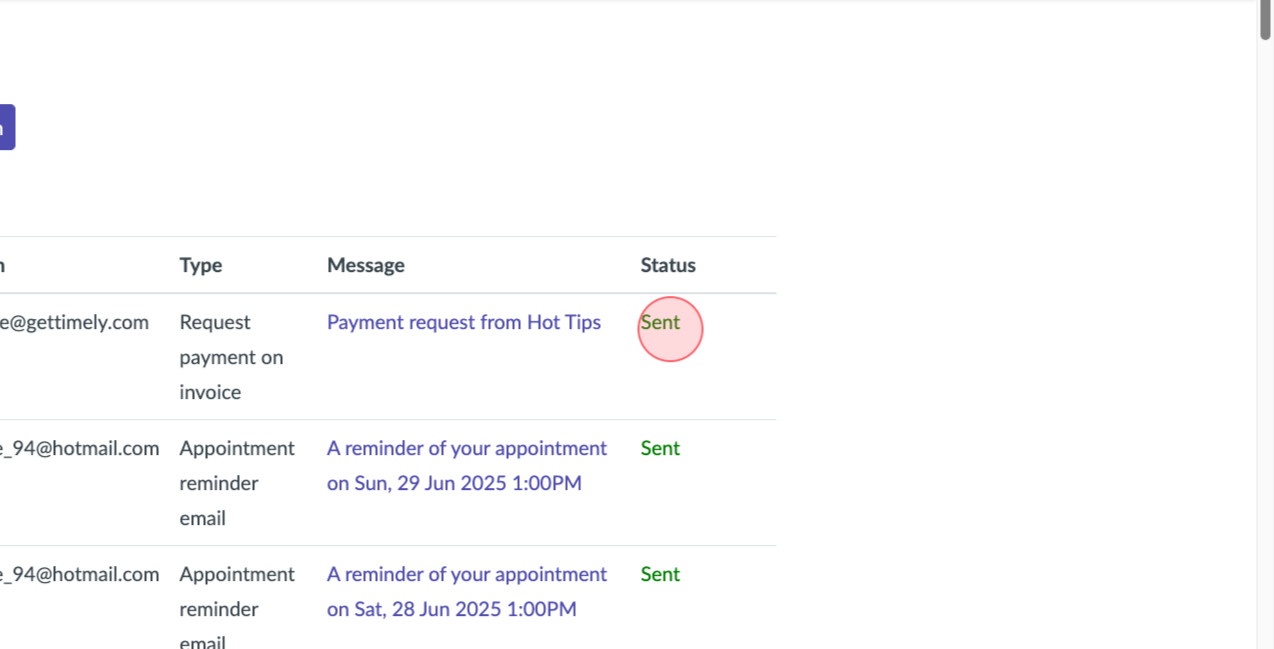
4Check the status of each message. It'll show as sent, pending, or error. Note that Sent Messages only displays SMSs sent to customers, not staff members.
5If a recently sent message to a customer isn't showing, click on the Refresh button.
6To view an email and its content, click on the message.
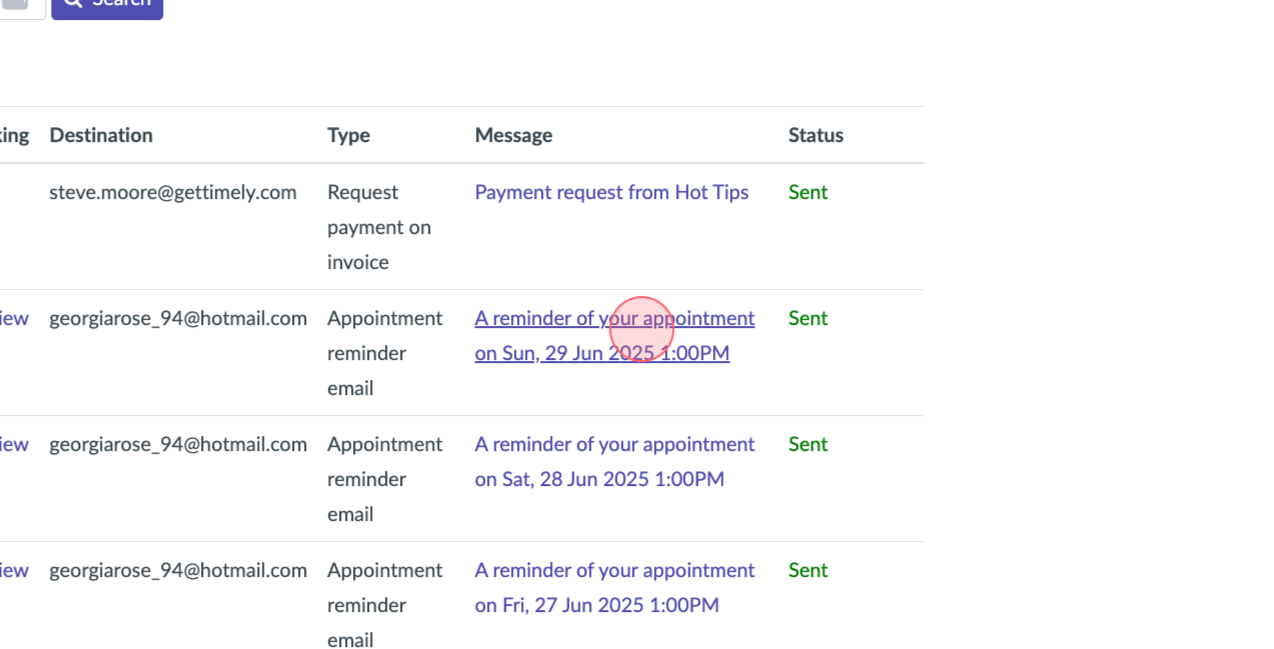
7You'll then see a preview of the email that was sent.
8For SMS reminders, view the SMS directly from the messages column.